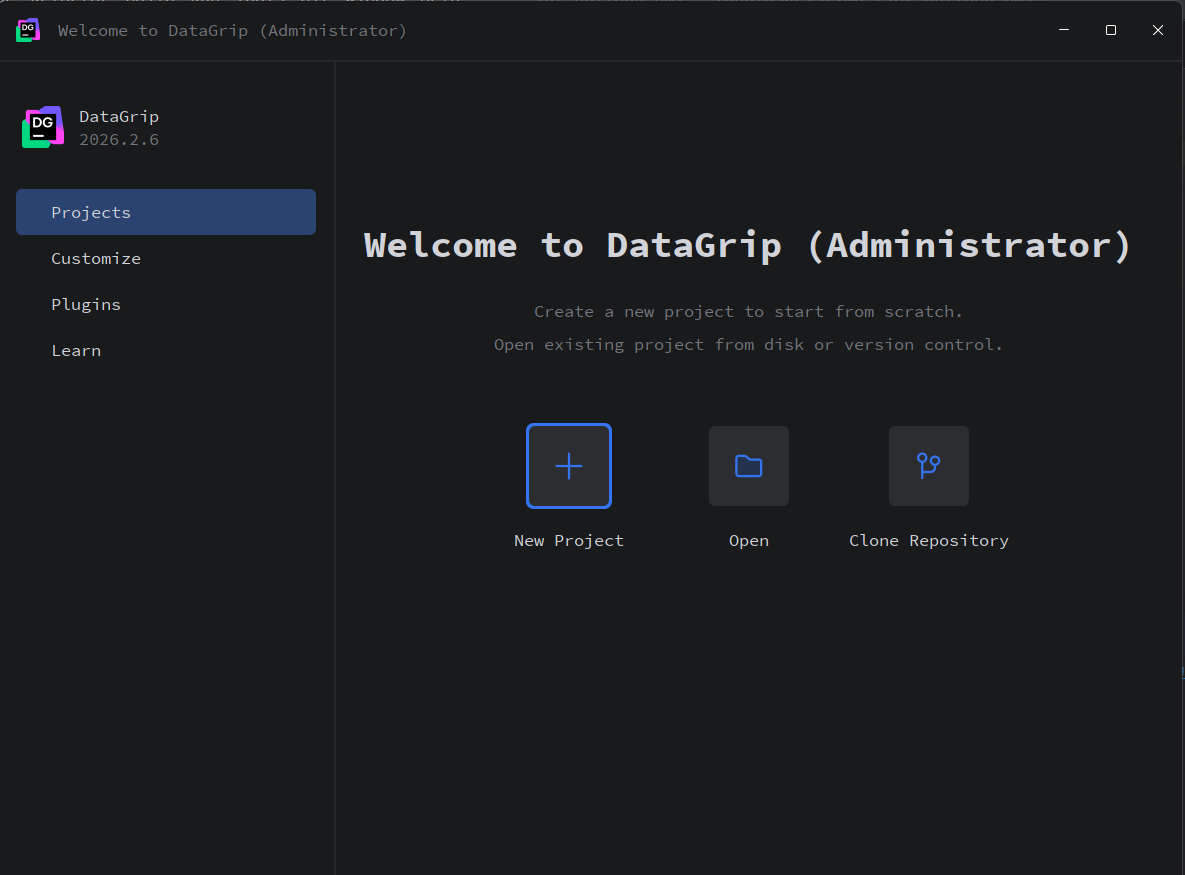
如何退出到还原界面
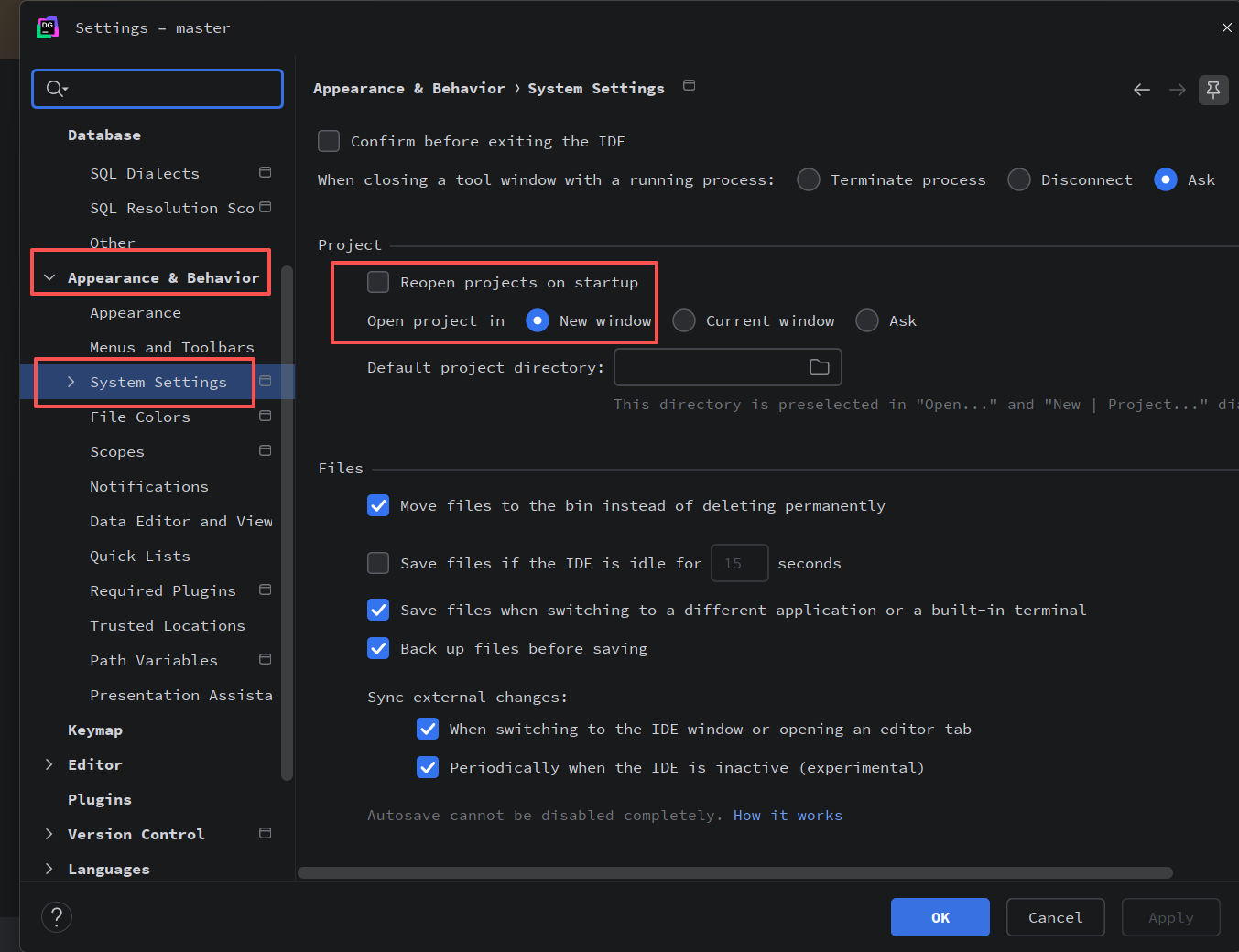
配置 System Setting
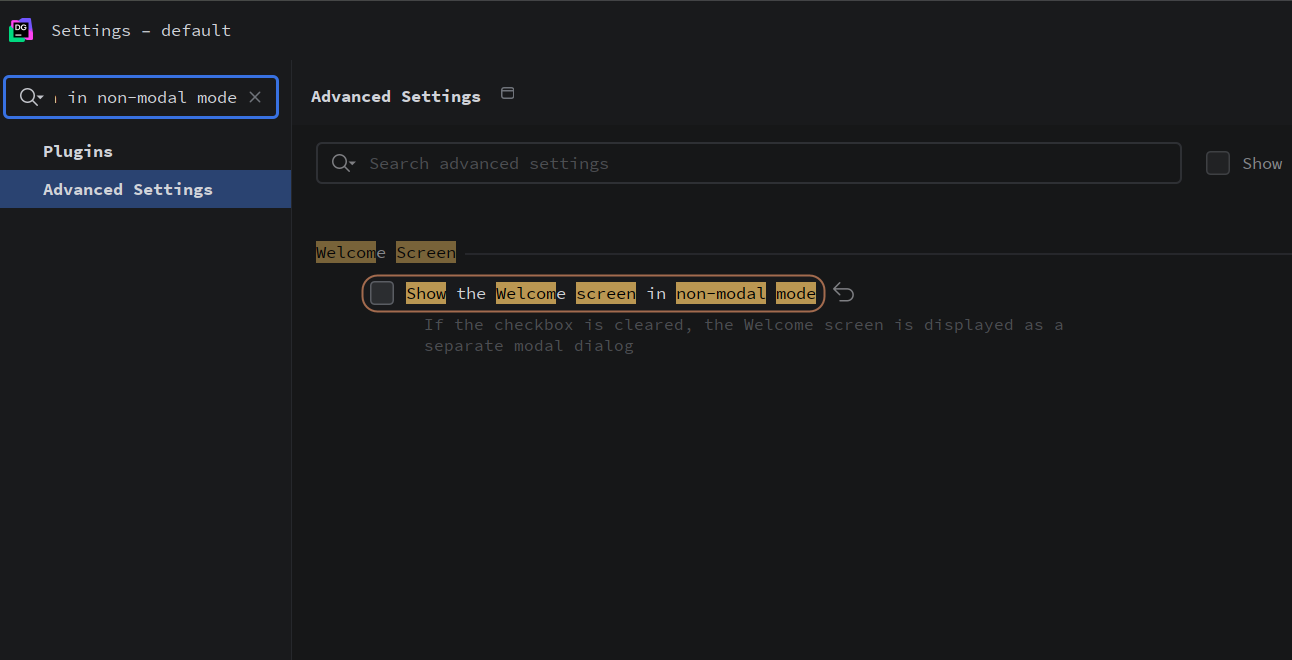
配置 Show the Welcome screen in non-modal mode
- 打开设置 (Ctrl + Alt + S)。
- 在搜索框里直接搜 Welcome 或者 非模态。
- 找到 Show the Welcome screen in non-modal mode(在非模态模式下显示欢迎屏幕)这个选项。
- 取消勾选它