ubuntu-LANG=zh_CN.UTF-8中文乱码问题解决
Created At :
安装字体命令(中文字体)
1
2
3
4
5
6
7
| sudo apt update && sudo apt upgrade -y
sudo apt install language-pack-zh-hans -y
sudo apt install fonts-wqy-zenhei fonts-wqy-microhei fonts-noto-cjk -y
sudo apt install fonts-wqy-zenhei fonts-wqy-microhei -y -y
sudo apt install fonts-wqy-zenhei fonts-wqy-microhei fonts-noto-cjk fonts-arphic-ukai fonts-arphic-uming fonts-droid-fallback -y
|
环境变量设置
Ubuntu默认的中文字符编码为zh_CN.UTF-8
输入命令:sudo vim /etcenvironment
修改内容如下:
1
2
| PATH="/usr/local/sbin:/usr/local/bin:/usr/sbin:/usr/bin:/sbin:/bin:/usr/games"
LANG="zh_CN.UTF-8"
|
设置环境变量
1
2
3
| sudo locale-gen zh_CN.UTF-8 # 生成中文 locale
sudo update-locale LANG=zh_CN.UTF-8 # 设置系统默认语言
export LANG=zh_CN.UTF-8
|
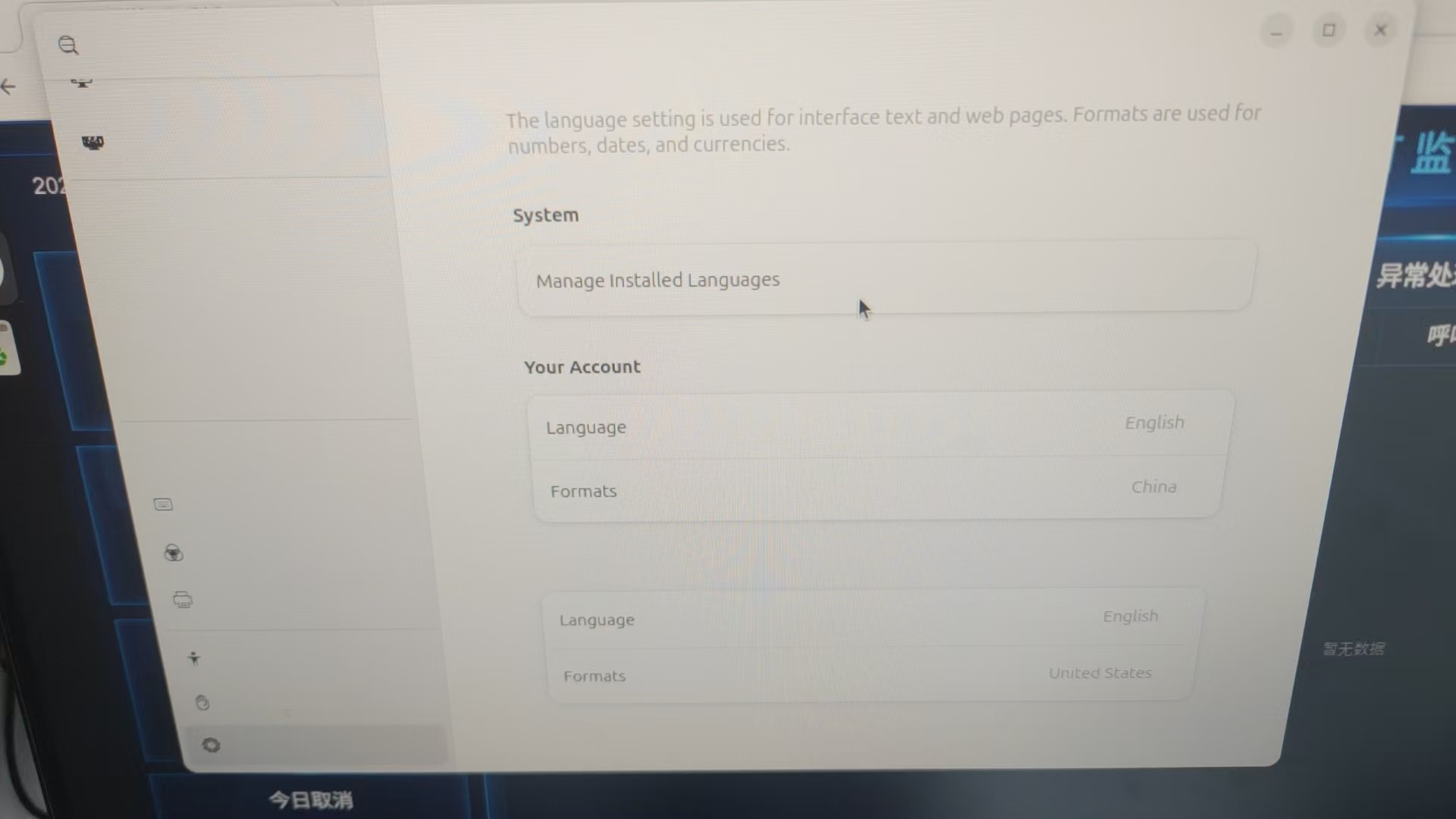
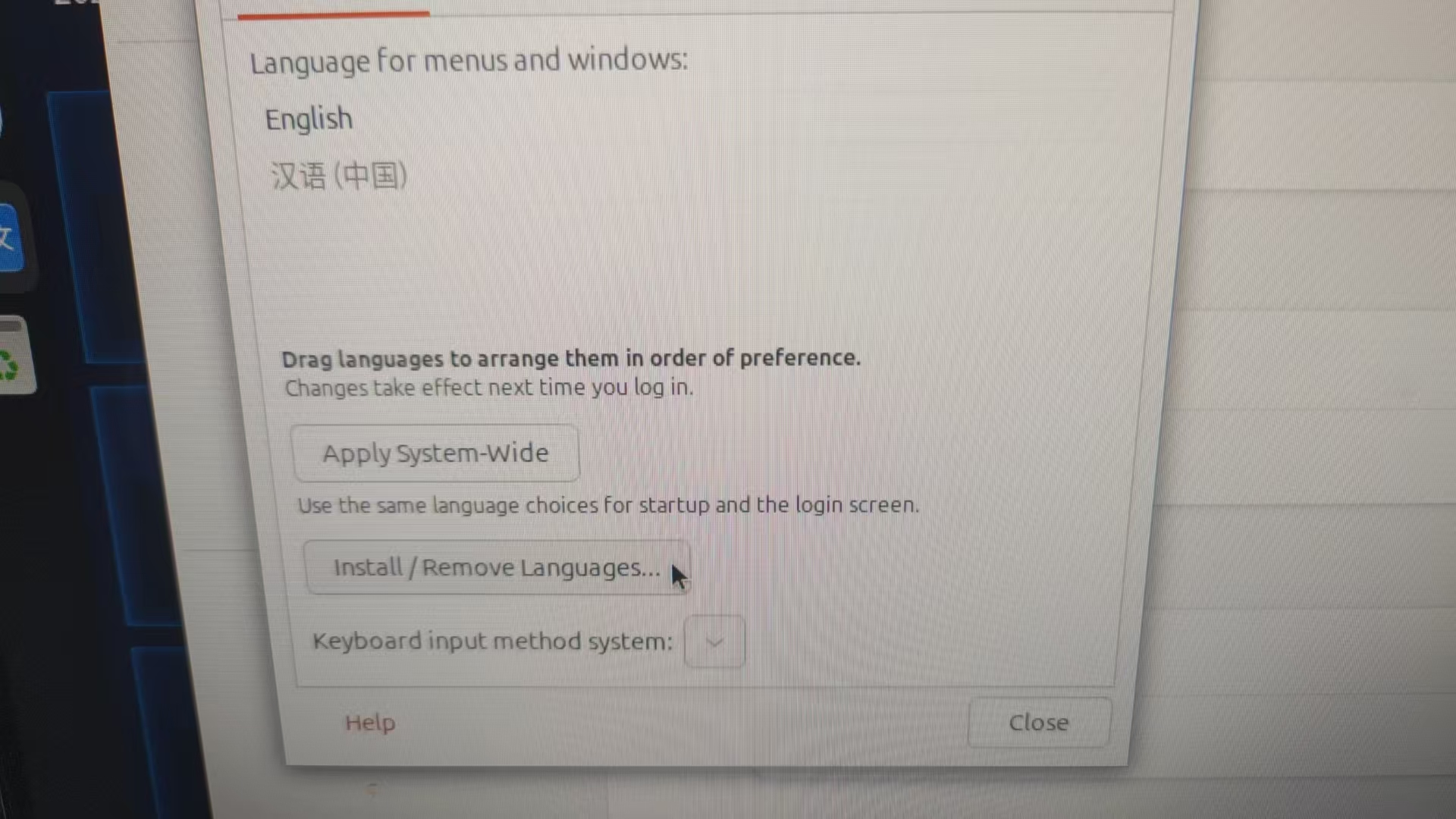
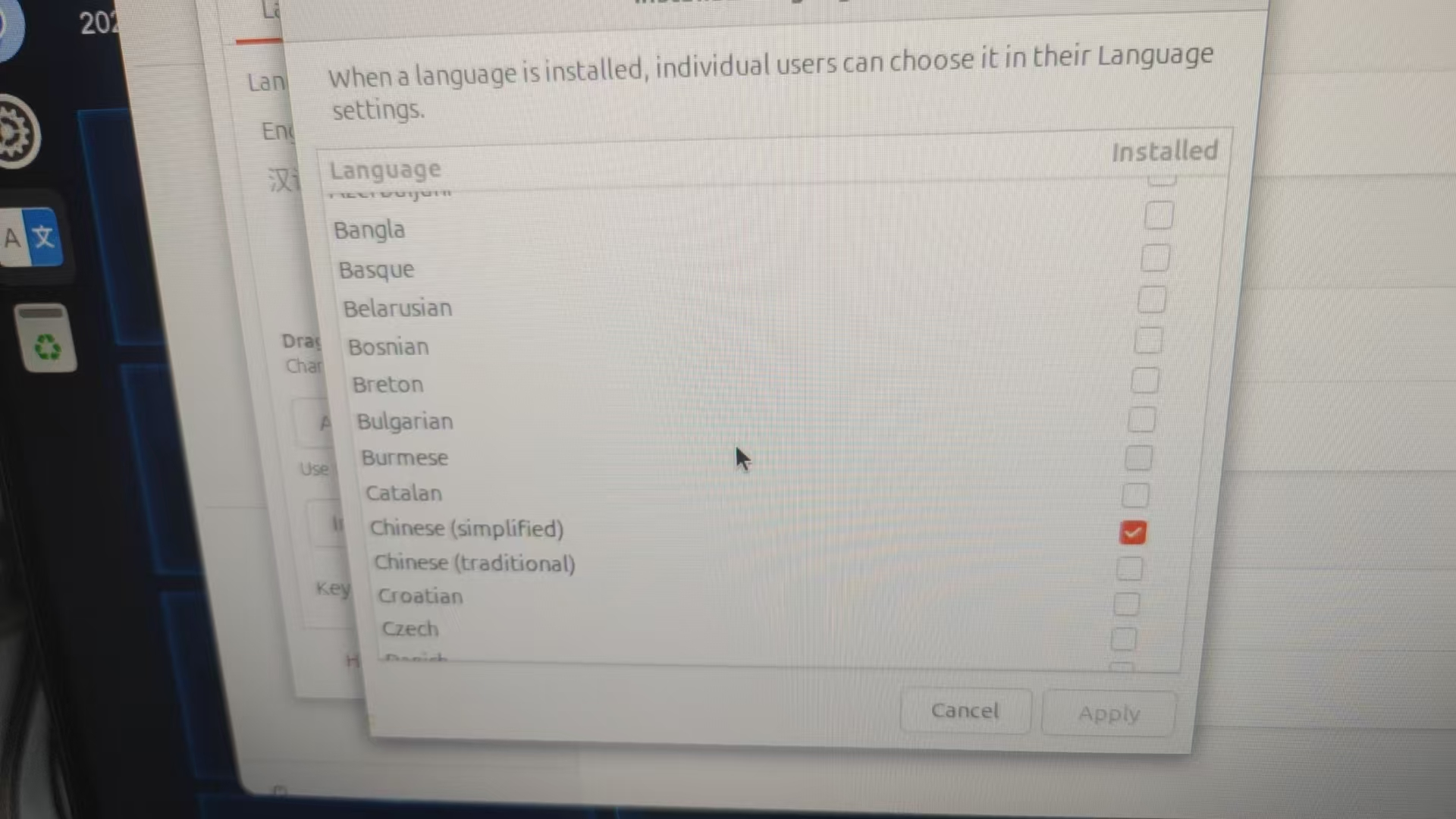
Ubuntu系统配置中文显示